Edit Athlete Jersey Numbers
1) Log into your account and select ATHLETE ROSTER
2) Click the three dot symbol ( ) next to the athlete that needs to be edited and select EDIT
3) Navigate to GAME INFO section
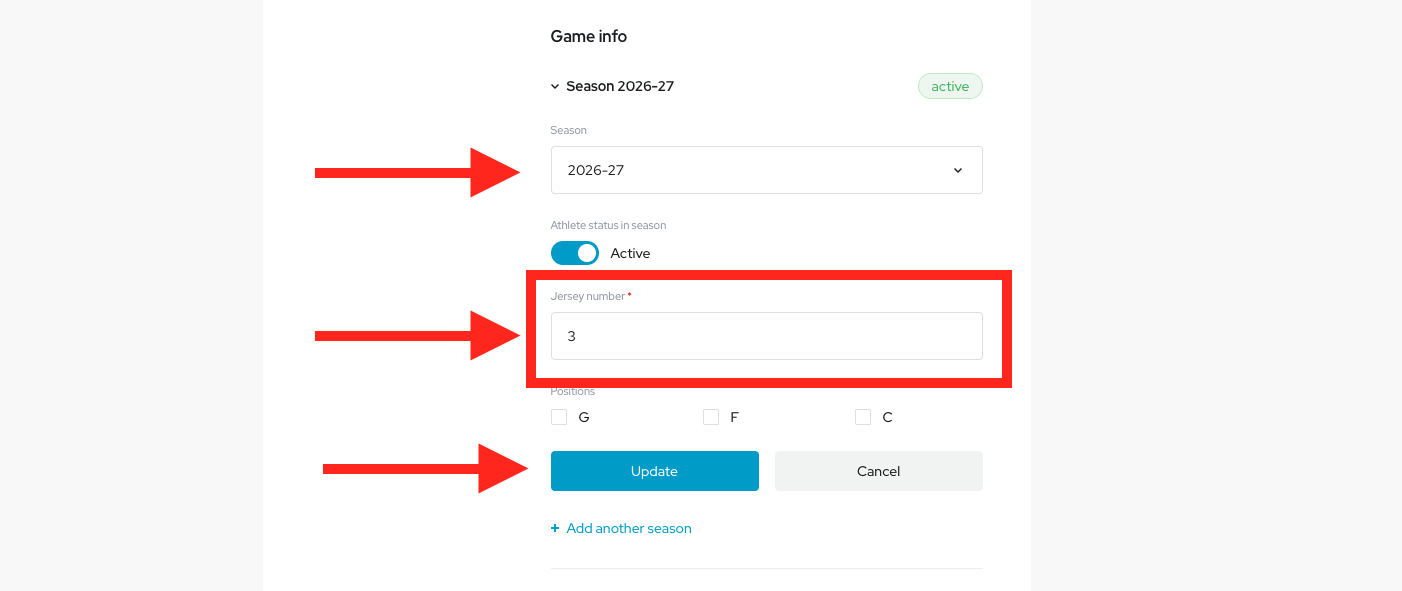
4) Click on the desired season to expand the selection
a) Select desired season
b) Click Jersey Number to edit
b) Click Jersey Number to edit
c) Click UPDATE when finished
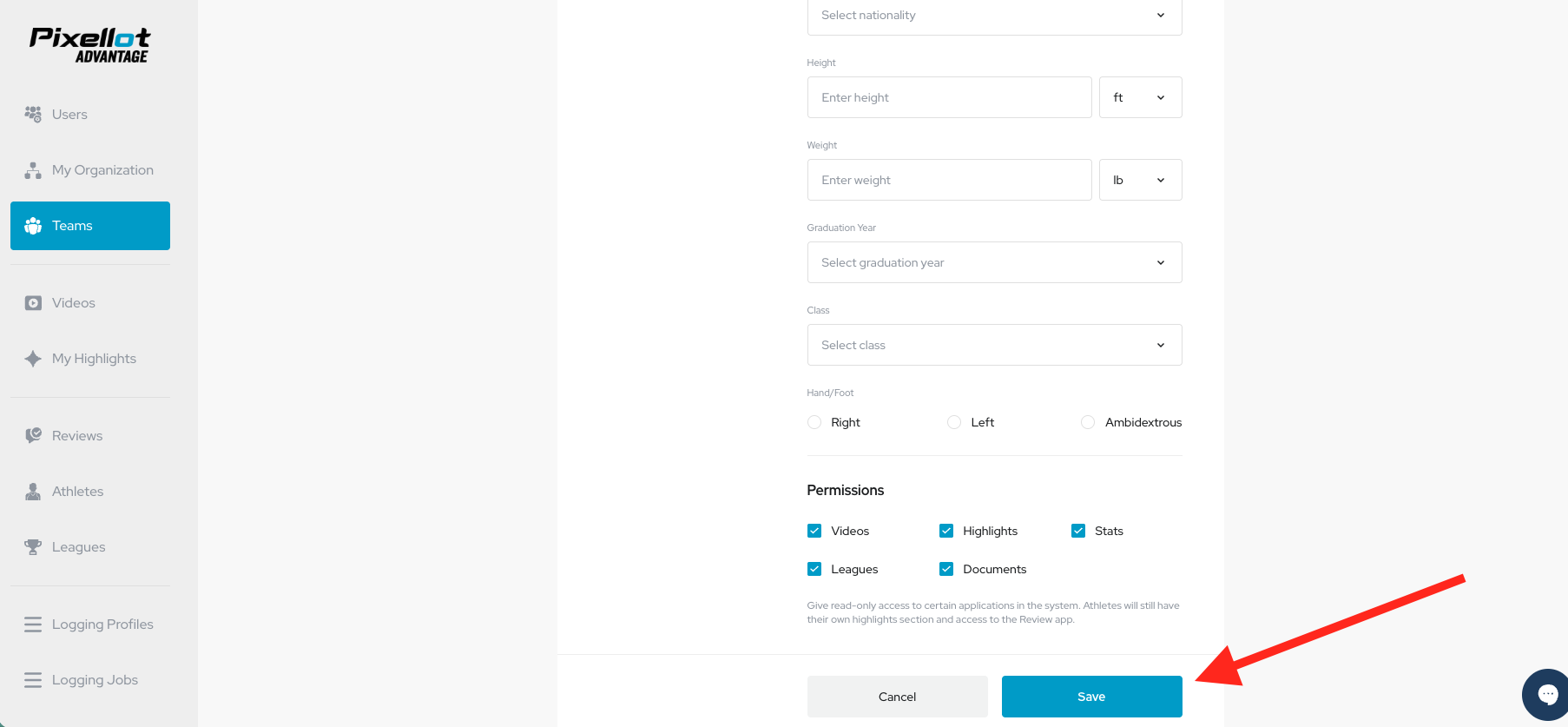
5) Scroll to bottom of menu and click SAVE at bottom of screen to save changes.